Google Ads Approved but No Traffic: What’s Going Wrong?
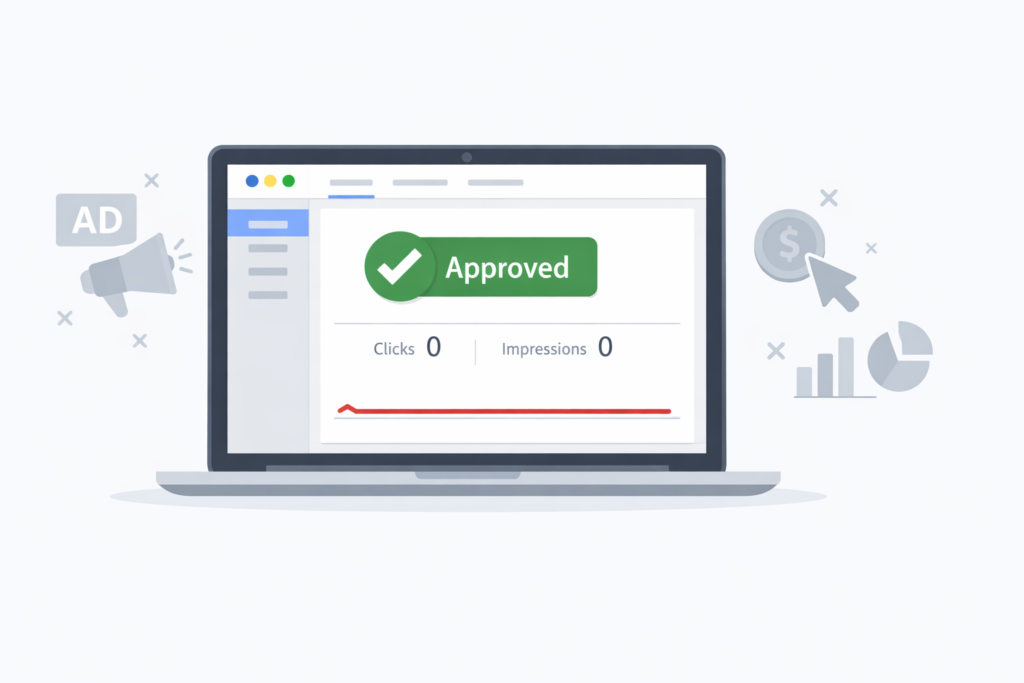
Seeing your Google Ads campaign marked as approved but receiving no traffic can be frustrating. Google Ads approved but no traffic? Learn why campaigns get no clicks and discover practical fixes to increase impressions. However, approval only confirms that your ads follow Google’s policies. It does not guarantee impressions or clicks. In many cases, approved ads still fail to enter auctions, which prevents them from reaching the right audience.
In other words, approved ads still need to compete in auctions. If they cannot win those auctions, they will not appear. Therefore, understanding this difference is essential before making changes.
Google Ads traffic depends on several factors. These include bidding strategy, targeting, competition, and Ad Rank. Even a small setup issue can stop your ads from showing.
For this reason, you should identify the root cause first. In this guide, you’ll learn why approved ads get no traffic and how to fix the problem effectively.
Common Reasons Your Approved Google Ads Get No Traffic
One major reason is low Ad Rank. Ad Rank depends on your bid, Quality Score, and ad extensions. If any of these are weak, competitors may outrank you.
Additionally, restrictive targeting often limits traffic. For example, exact match keywords or small locations can reduce reach. As a result, your ads may have very few eligible searches.
Another common issue is budget and bidding misalignment. If your daily budget is too low, ads may stop showing early. Likewise, automated bidding needs enough data to work properly.
Because of these factors, approved ads can still receive zero impressions.
How Bidding and Targeting Settings Affect Traffic
Your bidding strategy strongly influences traffic volume. For instance, Target CPA works best with historical conversion data. Without it, impressions may be limited.
Similarly, targeting settings can block delivery. Exact match keywords reduce reach, while broad match increases exposure. Also, too many exclusions can unintentionally prevent ads from showing.
Therefore, it’s better to start simple. Use Manual CPC or Maximize Clicks at the beginning. Then, refine settings based on performance data.
This approach helps Google learn faster and deliver your ads more consistently.
How to Fix Approved Ads That Aren’t Getting Traffic
First, check campaign diagnostics and delivery status. Google Ads often provides clear warnings about budget or bidding limits.
Next, improve your Quality Score. Better ad relevance and stronger landing pages increase Ad Rank. As a result, you can gain traffic without raising bids too much.
Finally, make small adjustments. Increase bids slightly, expand keyword match types, or raise budgets gradually. Sudden changes can disrupt performance.
By testing step by step, you’ll see what actually drives traffic.
Best Practices to Ensure Consistent Traffic Growth
Consistent traffic starts with clear structure. Group related keywords together and match ads closely to search intent. This improves relevance and click-through rate.
Meanwhile, review search terms regularly. This helps you find new keywords and remove irrelevant ones. Consequently, traffic quality improves over time.
Lastly, be patient. Google Ads needs time to optimize, especially for new campaigns. With the right setup and ongoing improvements, approved ads can become reliable traffic sources.
