Google Ads Campaign Not Showing: Causes and Fixes
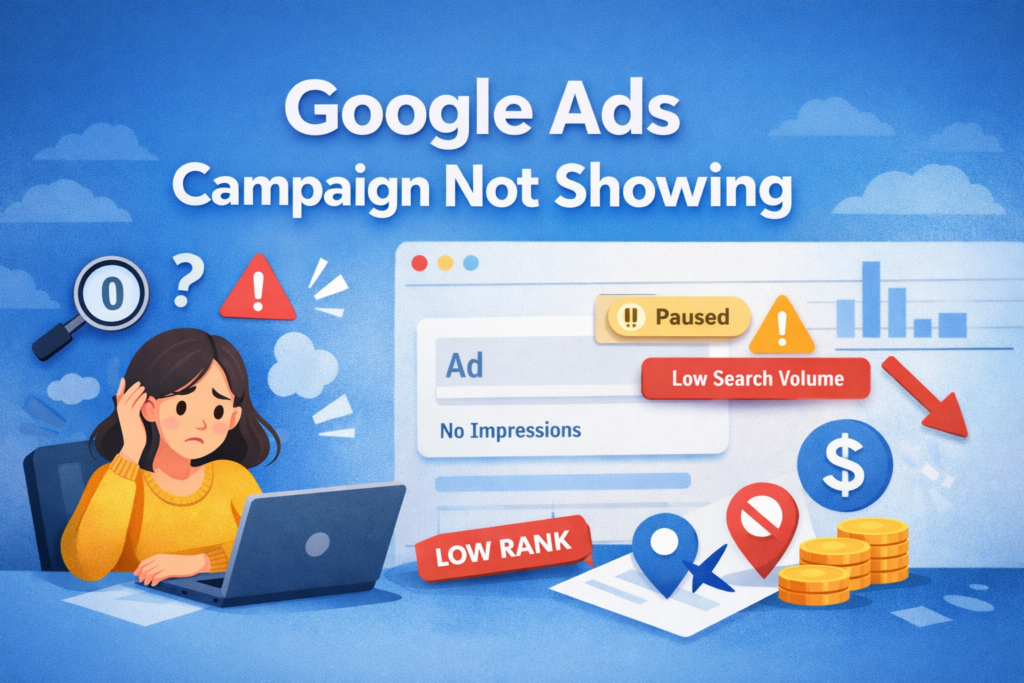
If your Google Ads campaign not showing issue is causing zero impressions, you are not alone. Many advertisers face this situation. However, the underlying reason is often easier to identify than expected. In most cases, eligibility, bidding strategy, or targeting settings are responsible.
To begin with, it is important to understand how the auction works. Google does not show ads simply because they are active. Instead, the system evaluates multiple factors before entering your ad into an auction. Therefore, even minor configuration errors can block impressions.
For this reason, diagnosing the limitation step by step is essential. Rather than increasing budget immediately, you should first identify whether the issue is related to rank, search volume, or eligibility.
Why Is Your Google Ads Campaign Not Showing?
First of all, “active” does not automatically mean “eligible.” Google reviews bids, ad relevance, budget limits, and expected performance in real time. As a result, a campaign can be enabled but still fail to appear in auctions.
In addition, restrictive targeting often reduces reach significantly. For instance, narrow geographic locations or limited audience filters may block valuable traffic. Consequently, your ads may receive zero impressions even though they are approved.
On the other hand, historical performance also impacts visibility. If Quality Score is low, ad rank decreases. Because of this, reviewing auction insights and impression share data should be your next step before making structural changes.
Low Search Volume and Keyword Eligibility Issues
One of the most common causes of a Google Ads campaign not showing is low search volume. When Google marks a keyword as “Low Search Volume,” it temporarily pauses auction participation. As a result, impressions stop until search demand increases.
Moreover, strict match types can unintentionally limit traffic. If you rely only on exact match keywords, you may block relevant variations. Therefore, adding controlled phrase match versions can expand reach without reducing relevance.
At the same time, negative keywords may create hidden conflicts. For example, a broad negative term at the campaign level can cancel valuable queries. For this reason, reviewing your search terms report is critical when diagnosing impression issues.
Ad Rank and Bidding Limitations
Ad Rank ultimately determines whether your ads appear. It is calculated using bid amount, Quality Score, and expected extension impact. If competitors maintain stronger ad relevance or higher bids, your ads may consistently lose auctions.
Furthermore, automated bidding strategies require stable conversion data. When campaigns use Target CPA or Target ROAS without enough history, delivery may slow during the learning phase. In other words, reduced impressions do not always indicate a technical error.
Meanwhile, budget limitations can also suppress visibility. If your daily budget is too low compared to auction competition, Google may stop showing ads early in the day. Consequently, checking “Search Lost IS (Rank)” and “Search Lost IS (Budget)” provides clear direction.
Bidding Strategy Conflicts and Learning Phase
In many cases, campaigns in the learning phase show unstable performance. Automated strategies depend heavily on conversion signals. Without sufficient data, the system enters auctions cautiously. As a result, impression volume may fluctuate.
However, frequent edits can worsen the situation. Every major change resets the learning period. Therefore, constant bid or budget adjustments reduce stability. Instead, allow the system time to optimize before introducing additional changes.
Finally, monitor campaign status indicators closely. If the platform shows “Learning” or “Limited,” avoid drastic interventions. Instead, consider loosening overly strict targets slightly. In most situations, controlled adjustments restore consistent delivery.